How to Unlock an Oven Door in 5 Easy Steps
To unfasten your oven door, first turn off the power by unplugging it or switching off the breaker. Then wait about a minute to reset the control system. This step is crucial for safety and to ensure the oven’s electronics reset properly.
Next, let the oven cool down for at least 30 minutes until it’s safe to touch. You definitely don’t want to risk burning yourself here.
Once it’s cool, check the door lock mechanism for any visible jams or damage.
If you can, carefully release the lock manually. Sometimes a little gentle maneuvering does the trick.
Finally, restore power and use the control panel to disable the lock. Keep going to find detailed tips for each step.
Turn Off Power and Reset the Oven
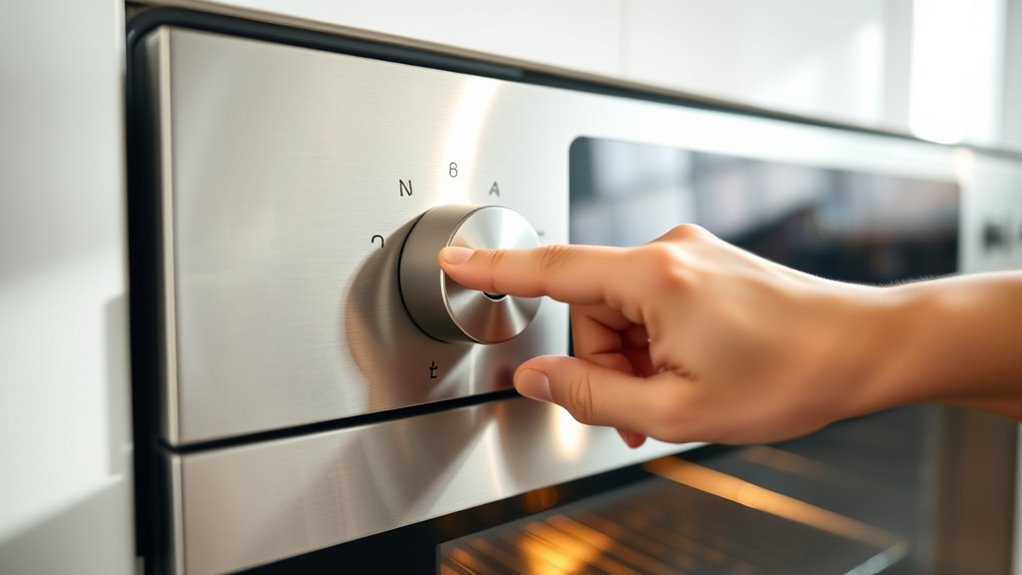
Before attempting to release the oven door, make sure you cut off its power completely by unplugging it or switching off the circuit breaker. This step guarantees the oven’s control system is fully disconnected from the power source, which is essential for a proper reset.
If you have a built-in model, just turn off the breaker to disconnect power safely. Once unplugged or the breaker is off, wait at least 60 seconds to let the internal control system reset completely. This power cycle helps clear any electronic lock errors.
After waiting, restore power by plugging the oven back in or switching the circuit breaker on. Be sure to check your oven manual for any specific reset instructions tailored to your model to avoid damaging the control system or locking mechanism.
Wait for the Oven to Cool Down
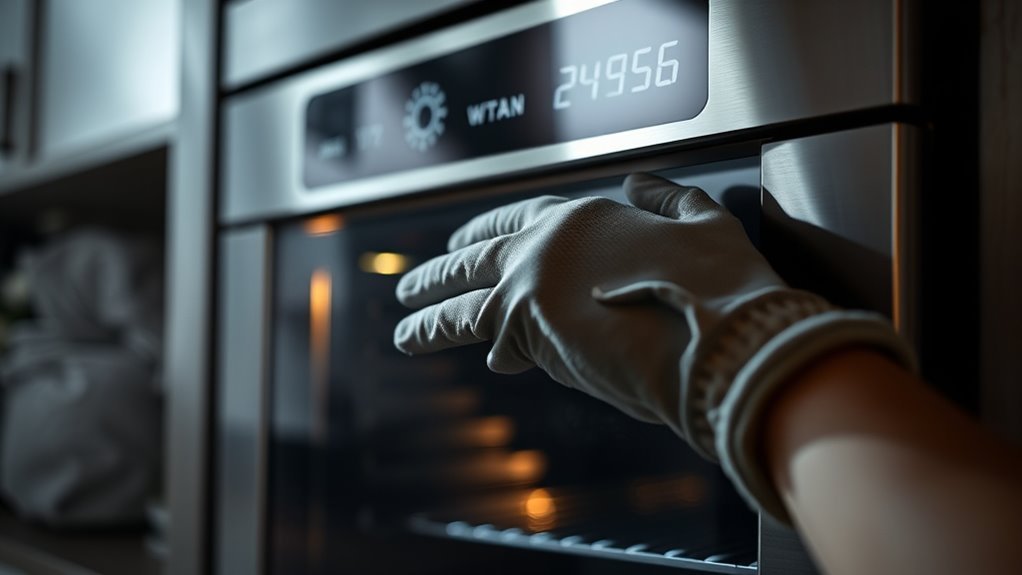
Even if the power is off, you’ll need to wait for the oven to cool down completely, since high temperatures keep the lock engaged for safety. The oven stays locked until internal sensors detect a temperature drop. This helps prevent burns from high heat.
Typically, waiting at least 30 minutes after cooking or a self-clean cycle ensures the oven temperature falls below 200°F (93°C). During this cooling time, avoid forcing the door open. Doing so can damage the lock mechanism.
| Action | Reason |
|---|---|
| Wait 30+ minutes | Allows oven temperature to cool down safely |
| Monitor with thermometer | Confirms temperature drop for safe opening |
| Avoid forcing door | Prevents damage to internal sensors and latch |
Locate and Inspect the Door Lock Mechanism
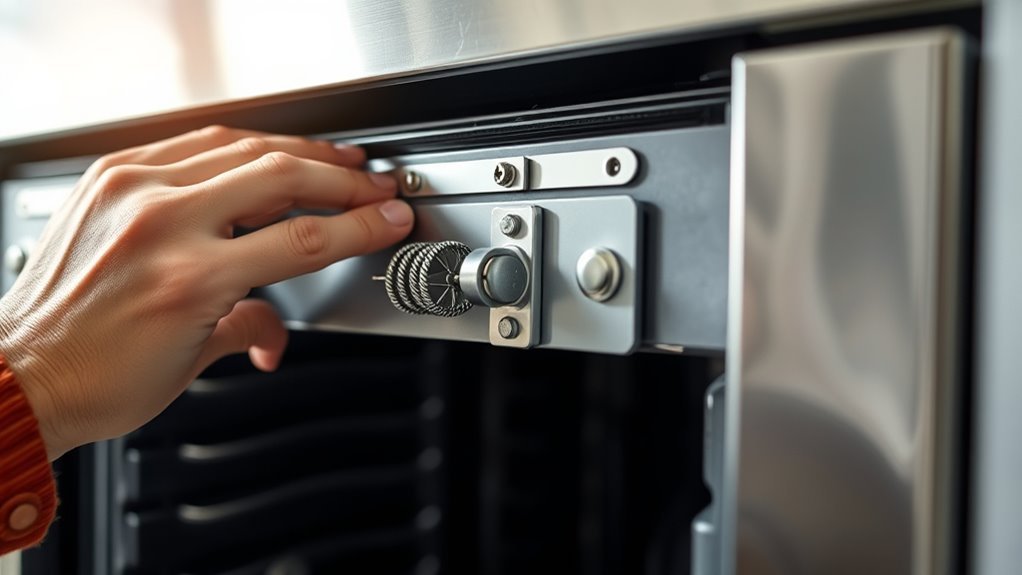
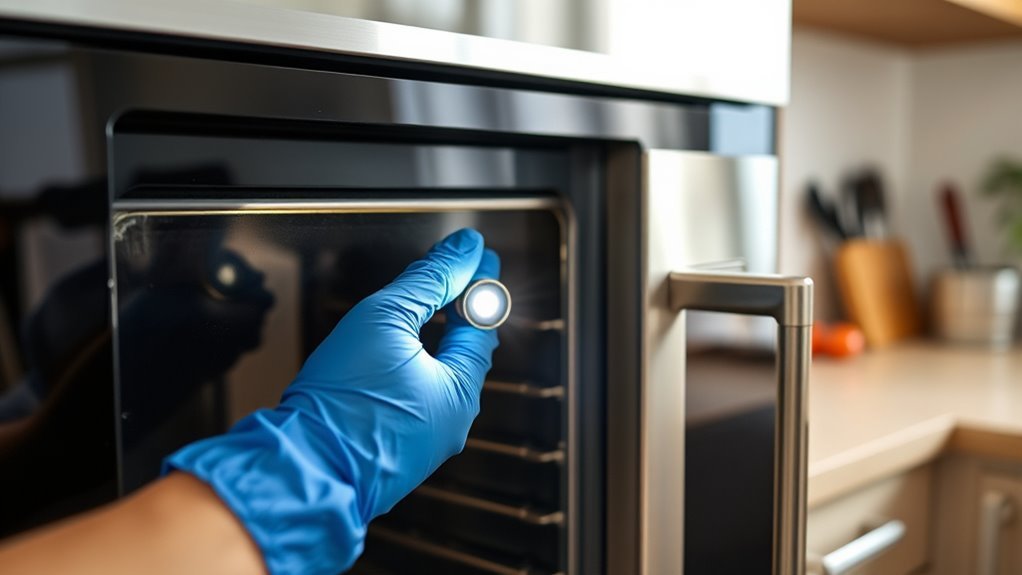
When you’re ready to check the oven door lock, start by locating the mechanism. It’s usually found along the top or side of the door or frame, often hidden behind panels or trim.
To perform a proper lock inspection, carefully remove any necessary panels following your oven’s manual. Look for the door lock mechanism, including the latch, lock assembly, and lock switch.
Check the lock components for damage, corrosion, or debris that might cause a lock problem. Many ovens have an electronic lock switch or solenoid that activates during self-cleaning—test it if possible to verify it functions correctly.
Identifying issues with the latch or lock release helps determine if lock repair is needed. A thorough lock inspection confirms you understand the cause before attempting to release or fix the oven door.
Manually Release the Lock if Accessible
If you can reach the oven lock manually, you should carefully locate the latch or lock lever inside the door or along the oven frame. First, disconnect power to guarantee safety before attempting any repair.
To manually release the lock mechanism, use a sturdy, non-metallic tool like a plastic pry bar or wooden stick to gently push or lift the latch or lock lever. If access is limited, try inserting a coat hanger or L-shaped tool between the oven door and frame to disengage the lock.
You may need to remove panels or trim carefully for better access, following your oven’s repair manual. By doing this, you can safely unlock the oven door without causing damage or risking electrical hazards.
Restore Power and Use the Control Panel to Unlock
After manually releasing the lock or confirming that access isn’t possible, you’ll want to restore power to your oven to reset its control system. Start by reconnecting power after safely disconnecting it—either by plugging it back in or switching the circuit breaker on.
Wait at least 60 seconds to let the oven’s control panel reset and clear any active lock signals. Then, use the control panel to deactivate the lock feature: press the “Clear/Off” button or hold the lock button for 4-5 seconds.
Check the digital display for a lock icon or message that confirms the oven has unlocked. If the oven locked due to a self-clean cycle, allow it to cool down; the control panel will automatically release once the temperature drops.
This process helps you free an oven promptly and safely. It’s a straightforward way to get things back to normal without any hassle.
Conclusion
Unsealing your oven door doesn’t have to be a hassle. Did you know that nearly 30% of oven lock issues occur due to power interruptions? By turning off the power, waiting for it to cool, and manually checking the lock, you can save time and avoid damage.
Once you restore power, you’ll be back to cooking in no time. Following these simple steps guarantees your oven door opens safely and efficiently every time.
So, if you’re wondering how to unlock an oven door, remember these easy steps. Turning off the power is key to preventing any electrical hazards. Then, waiting for the oven to cool down helps avoid burns or further damage. Finally, manually checking the lock ensures you address the root cause of the problem.
By doing this, you’ll keep your appliance in good shape and ready for your next meal. Unlocking your oven door doesn’t have to be frustrating—just follow these 5 easy steps to get your oven door open safely and quickly every time.