How to Unlock a Whirlpool Oven in 10 Simple Steps
To open your Whirlpool oven, the first step is to figure out whether it’s a control lock or a self-clean lock that’s causing the issue. This distinction is key to knowing how to unlock it properly.
If it’s a control lock, simply press and hold the lock button for about 3-5 seconds to disable it. Easy, right?
But if your oven is locked during a self-clean cycle, it’s a bit different. You’ll need to wait for the oven to cool down below 200°F, or cancel the cycle if it started by mistake.
Another handy trick is to reset the oven by turning off the power at the breaker for a minute. This can sometimes clear the lock and get things back to normal.
Also, don’t forget to check the power supply and clean the control panel regularly to prevent these issues from cropping up again.
Keep exploring and you’ll find even more detailed steps to help you unlock your Whirlpool oven quickly and safely!
Identify the Type of Lock on Your Whirlpool Oven
How can you tell which type of lock your Whirlpool oven has? First, check the control panel for a padlock icon or button—this usually indicates a control lock designed to prevent accidental use. You can activate or deactivate it by pressing and holding that button for a few seconds.
Next, consider if your oven is in the middle of a Self Clean cycle. During Self Clean, the oven locks automatically to keep the door secure while it reaches high temperatures. This lock won’t disengage until the cycle finishes and the oven cools down.
If neither applies, your oven might have another lock type, but starting with these checks helps you quickly identify if it’s a control lock or a Self Clean lock before proceeding.
Check for Error Codes Displayed on the Control Panel
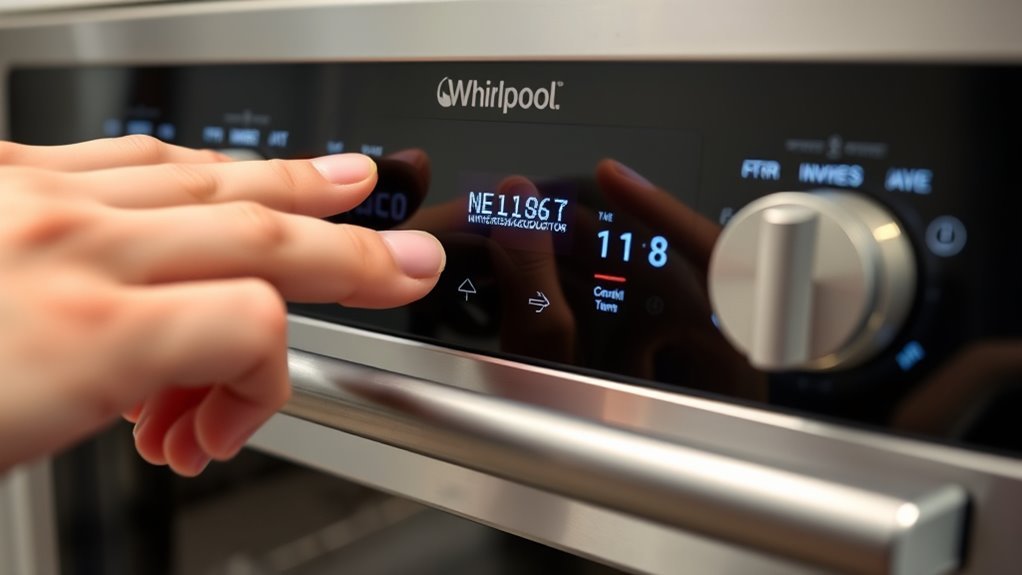
Check the control panel for any error codes showing up on your Whirlpool oven. These codes point to specific issues and can help you understand why the door is locked.
Grab your user manual to interpret the code and decide your next step. It’s a handy way to figure out what’s going on without guesswork.
Identify Error Code
When your Whirlpool oven locks unexpectedly, it often displays an error code on the control panel, such as F90, E2 F3, or F3. To identify the error code, carefully watch the control panel during or right after the lock occurs.
This alphanumeric message gives you a clear indication of the problem. Once you spot the error code, jot it down for reference. This helps you determine if the lock stems from a technical glitch, safety feature, or user error.
If needed, consult your oven’s user manual or the manufacturer’s website for guidance. Sometimes, resetting the oven by turning off the power or pressing the Cancel/Off button clears the error code and releases the door if the issue is resolved.
Interpret Error Meaning
Why does your Whirlpool oven show an error code on the control panel? These error codes signal specific malfunctions or safety issues needing attention, often linked to the control board or components like the latch or temperature sensor.
Common codes like F90 or E2 F3 indicate problems that can prevent the oven from releasing. To interpret the error meaning, consult your oven’s user manual or trusted online resources.
Sometimes, simply resetting the oven by turning it off and on clears minor glitches and error codes. However, if the error persists, it likely points to a deeper control board or hardware issue.
In that case, you’ll need professional diagnosis and repair to safely restore your oven’s normal function and release it properly.
Press and Hold the Control Lock Button to Disable Lock
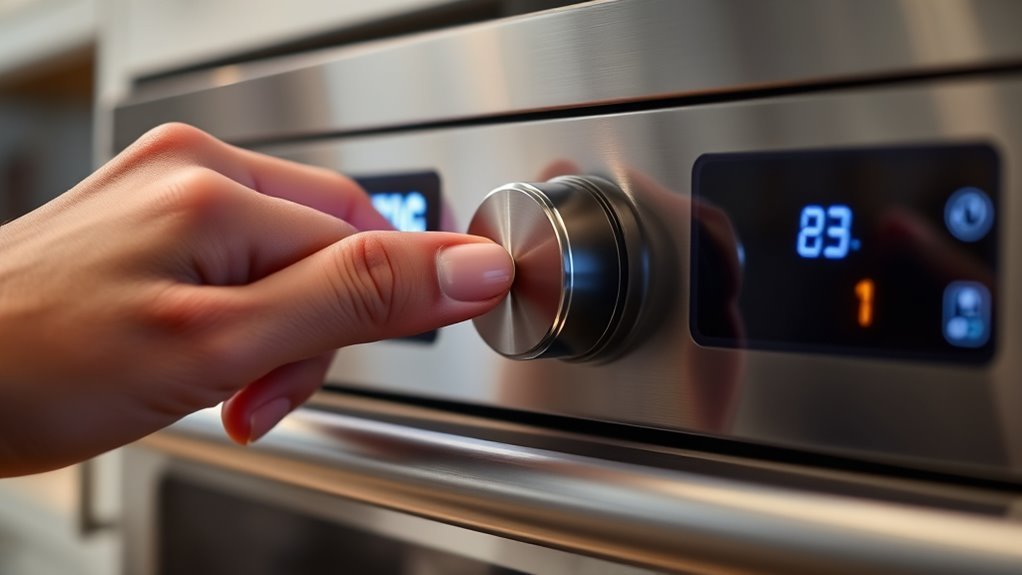
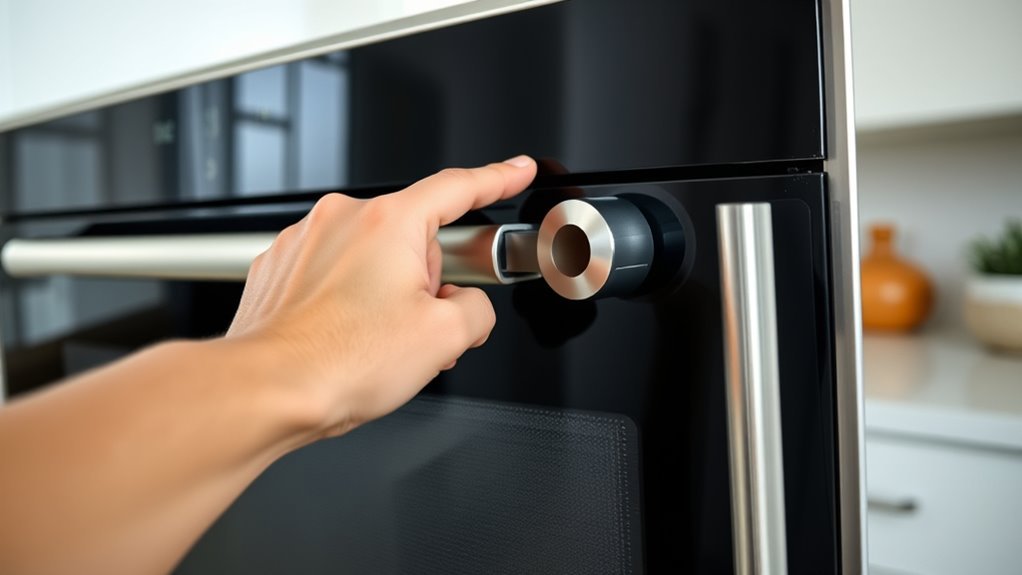
How do you quickly disable the control lock on your Whirlpool oven? Simply press and hold the padlock icon button on the control panel for 3 to 5 seconds. You’ll know it’s working when you hear a beep or see the lock icon disappear from the display.
This control lock feature is designed to prevent accidental operation, so holding the button resets the lock and restores full keypad functionality. If your Whirlpool oven model doesn’t have a padlock icon, check the user manual for the exact button combination to deactivate the control lock.
To avoid accidental activation or deactivation, regularly clean the control panel and keep buttons from sticking. This way, you’ll maintain easy access and control over your oven’s functions.
Turn Off Power at the Circuit Breaker to Reset the Oven
Although it may seem simple, turning off the power at the circuit breaker can effectively reset your Whirlpool oven and unfasten the door. First, locate your home’s main circuit breaker panel and find the breaker controlling the oven.
Flip this circuit breaker switch to the OFF position to completely cut power to the oven. Wait at least one minute to ensure all electrical components fully power down. Then, turn the circuit breaker back to the ON position to restore power.
This power reset often clears any electronic locks and allows the oven door to unlock. After restoring power, check if the door has unlocked. If it remains locked, you’ll need to try other troubleshooting methods to resolve the issue.
Wait for the Oven to Cool After a Self-Cleaning Cycle
When does your Whirlpool oven door release after a self-cleaning cycle? The oven door stays locked until the internal temperature drops below about 200°F (95°C).
So, you’ll need to wait 30 to 90 minutes for it to cool completely. During this time, don’t try to force the door open—doing so can damage the latch mechanism.
Wait 30 to 90 minutes for cooling; forcing the door can damage the latch mechanism.
Keep an eye on the oven’s display for any error codes or messages indicating it’s still in cooling or lockout mode. Once the oven has cooled sufficiently, the door lock releases automatically.
This means you can open the door without any extra steps. Patience is key here to avoid damage and guarantee your Whirlpool oven door disengages safely after self-cleaning.
Manually Move the Latch Arm to Unlock the Door
If your Whirlpool oven door remains locked after cooling, you can manually move the latch arm to release it. First, make sure the oven is unplugged or the power is off to avoid any electrical hazards.
Locate the latch arm near the door latch mechanism. Then, gently move the latch arm to the left or as your model’s manual instructs to unseal the door. After moving the latch arm, carefully test the door without forcing it to prevent damage.
Once the door unseals, restore power and check that it functions properly.
Keep these tips in mind:
- Always verify power is off before handling the latch arm.
- Move the latch arm gently to avoid breaking it.
- Test the door’s movement after unsealing for smooth operation.
Cancel the Self-Clean Cycle if It Started by Mistake
After manually moving the latch arm to unfasten your Whirlpool oven door, you might find the oven still locked because the self-clean cycle started by mistake. To cancel the self-clean cycle, first turn the oven’s control knobs to the OFF position after holding the cleaning button or plunger for about 10 seconds.
If your Whirlpool oven has a control lock, press and hold the lock icon or designated button for 3-5 seconds to deactivate it before canceling. Keep in mind the door stays locked until the oven cools down, so wait until it reaches at least 200°F before trying to open.
If needed, you can also reset the oven by turning off the power at the circuit breaker for 5-10 minutes to stop the self-clean cycle early. This should help you get things back to normal quickly.
Inspect the Power Supply Voltage for Proper Operation
Although oven locking issues often stem from mechanical or software glitches, you should also inspect the power supply voltage to guarantee your Whirlpool oven receives the proper 220-240 volts for normal operation. Use a voltmeter to measure the voltage at the oven’s power cord.
Low or inconsistent voltage can cause control panel malfunctions and prevent releasing.
To guarantee proper power supply:
- Check the circuit breaker or fuse box to confirm the oven’s breaker is fully on and not tripped.
- Test the outlet by plugging in another appliance to verify it functions correctly.
If voltage reads below 220 volts, contact an electrician to address wiring or breaker issues.
Proper voltage is essential for your oven’s control system to release and operate normally. So, don’t skip this step!
Clean and Maintain the Control Panel to Prevent Lock Issues
To keep your Whirlpool oven’s control panel working smoothly, clean it regularly with a soft, damp cloth. Avoid harsh chemicals or abrasive tools that can damage the sensitive touchpad.
Make sure the panel stays dry to prevent moisture from causing lock issues or unresponsive buttons. Taking these simple steps can really help keep everything running without a hitch.
Regular Control Panel Cleaning
When you keep your Whirlpool oven’s control panel clean and dry, you reduce the risk of buttons sticking or becoming unresponsive. This can cause lock issues, so regular cleaning really helps.
It keeps your oven functioning smoothly and prevents accidental lock activation. Just use a soft, damp cloth to gently wipe away dust and grime without damaging the surface.
Avoid abrasive cleaners or soaking the panel to keep it responsive.
To keep your control panel clean and working properly:
- Wipe the panel regularly with a soft, slightly damp cloth.
- Check for stuck or jammed buttons that might interfere with controls.
- And be sure to clean up any spills right away to stop moisture buildup.
Following these simple steps helps keep your control panel reliable and avoids lock-related problems. Easy, right?
Avoid Moisture Damage
Since moisture can easily seep into your Whirlpool oven’s control panel, you need to clean it carefully and keep it dry to prevent lock issues. Moisture damage can cause the control panel to malfunction, triggering unintended locks or unresponsive buttons.
When cleaning, use a soft, damp cloth and avoid harsh chemicals or excess water that might harm electronic components. After wiping, make sure the control panel is completely dry before you operate the oven again.
During periods of high humidity or right after cleaning, keep the control panel covered or protected until it’s fully dry. Also, regularly inspect the seals around the control panel, and replace any that are damaged or worn.
This will stop moisture from getting inside and causing further issues. Taking these steps helps keep your oven working smoothly and avoids annoying problems down the line.
Use Gentle Cleaning Tools
Keeping moisture out of your Whirlpool oven’s control panel is just one part of preventing lock issues; using gentle cleaning tools plays a big role as well.
To keep your control panel responsive and avoid accidental lock activation during a clean cycle, follow these tips:
- Use a soft, damp cloth to wipe the control panel regularly, preventing dirt buildup.
- Avoid abrasive cleaners or harsh chemicals that can damage buttons and cause sticking.
- Use a gentle, non-abrasive brush to clean around buttons and remove debris.
After cleaning, make sure the control panel is completely dry to prevent electrical problems or false lock signals.
Also, try pressing all buttons gently from time to time to check they’re working smoothly.
This little habit helps you avoid unexpected locks and ensures your oven runs perfectly.
Contact Whirlpool Customer Service or a Professional Technician
If you’re unable to open your Whirlpool oven using basic troubleshooting, you should contact Whirlpool Customer Service at 1-866-698-2538 for expert help. When you call, have your oven’s model number ready and clearly describe the locking issue to get accurate guidance.
Whirlpool customer service can walk you through additional troubleshooting steps or help schedule a professional repair if needed. You can also visit the Whirlpool website to find authorized technicians near you or book a service appointment.
Additionally, the website offers manuals and warranty information that might assist you further. Relying on Whirlpool customer service or a professional technician guarantees your oven is unlocked safely and correctly without risking damage or voiding your warranty.
Conclusion
Unlocking your Whirlpool oven is simpler than you might think—just follow these easy steps! Did you know that over 60% of oven lock issues happen because of accidental self-clean cycles? By understanding your oven’s lock type, checking error codes, and properly resetting or canceling cycles, you can quickly get back to cooking.
Remember, regular maintenance helps prevent future lockouts. Keeping your oven clean and ensuring the control panel is responsive can save you from unexpected lock issues.
If you’re stuck, don’t hesitate to contact Whirlpool support or a pro for help! Getting expert advice can save time and prevent damage.
In conclusion, unlocking a Whirlpool oven involves a few straightforward steps that anyone can follow. By identifying the lock type, watching for error codes, and properly resetting the oven, you can avoid frustration and get cooking again quickly. Regular maintenance and understanding your oven’s functions are key to preventing lockouts. And when in doubt, reaching out to Whirlpool customer support or a professional technician ensures your oven gets the care it needs. So, take these tips to heart and enjoy hassle-free cooking with your Whirlpool oven!