How to Unlock a Whirlpool Oven in 10 Simple Steps
To *release* your Whirlpool oven, start by identifying the type of lock—control lock, self-clean lock, or error lock. Knowing the exact lock type helps you tackle the problem faster.
First, turn off power at the circuit breaker and wait for the oven to cool and reset, usually 30–90 minutes.
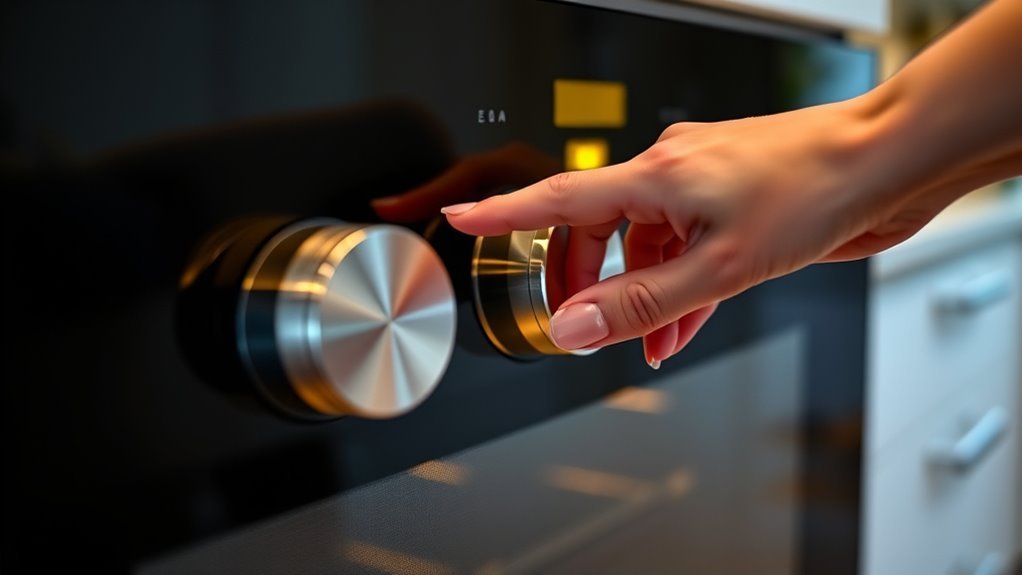
Next, press and hold the Cancel or Control Lock button for a few seconds to reset the lock.
If the door still won’t open, you can try manually moving the latch arm gently to release it.
Check for any error codes on the display, as these might explain why the oven is locked.
If the lock persists after trying these steps, it’s a good idea to inspect the latch mechanism more closely or call a professional for help.
Keep reading for detailed steps to unlock your Whirlpool oven safely and easily.
Identify the Type of Lock on Your Whirlpool Oven

How do you know which lock is on your Whirlpool oven? First, check the control panel for symbols or buttons. If you see a padlock icon or a button labeled “control lock,” that means the control lock, or child lock, is active to prevent accidental use.
You can usually release it by pressing and holding that button. If your oven recently ran a self-clean cycle, the door might be locked automatically for safety. This self clean lock keeps the door shut during high temperatures and releases only after the oven cools down.
Finally, if you notice error codes or the oven remains locked unexpectedly, it might be an error lock caused by a malfunction. Identifying the lock type helps you use the right unlocking method quickly and safely.
Turn Off Power at the Circuit Breaker
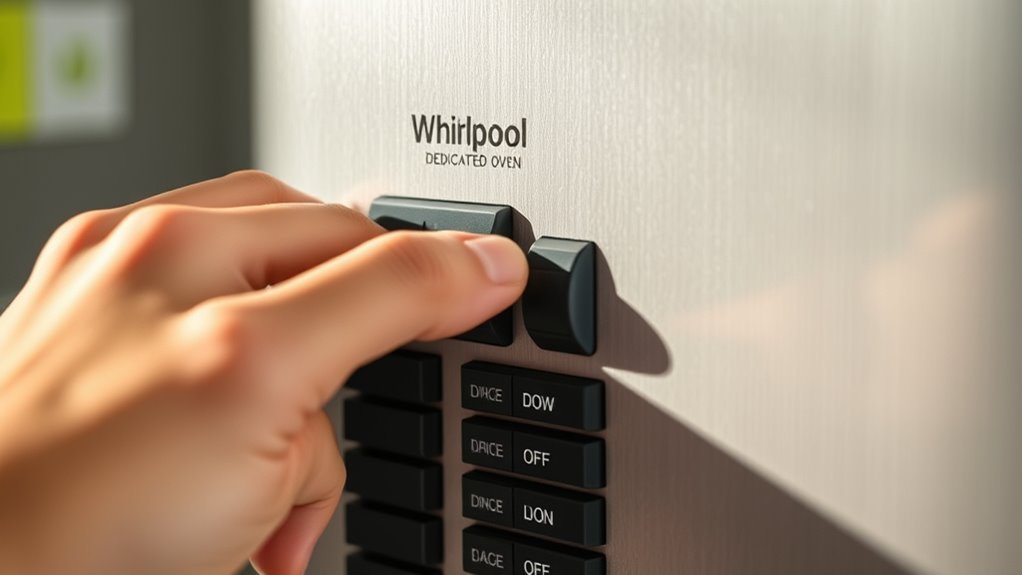
First, find your home’s circuit breaker panel. Look for the switch that controls power to your Whirlpool oven.
Turn that breaker off to cut the electricity completely. Then, wait at least one minute before turning it back on.
This pause lets the oven’s system fully reset. It’s a quick and easy way to refresh your oven’s electronics.
Locate Circuit Breaker Panel
Before you begin disabling your Whirlpool oven, you’ll need to cut power by locating your home’s main electrical panel or circuit breaker box. This is usually found in the basement, garage, or utility closet.
Follow these steps to find and turn off the right circuit breaker:
- Locate the main electrical panel or circuit breaker box in your home.
- Identify the circuit breaker labeled “Oven,” “Kitchen,” or with your oven’s model number.
- Switch the circuit breaker to the “Off” position to cut power completely to the oven.
- Wait at least one minute to guarantee the oven’s internal systems fully power down.
It’s a simple process, but make sure you don’t skip the waiting part—that gives everything time to shut off safely.
Wait Before Power Restoration
Once you’ve switched off the circuit breaker to cut power to your Whirlpool oven, it’s important to wait at least one minute to let the control system reset completely. This pause guarantees all electrical components fully power down, preventing accidental activation or potential damage during manual opening.
Also, you should let the oven cool down thoroughly—ideally between 30 to 90 minutes—especially after self-cleaning or if there were any errors. Proper cooling is essential to avoid burns and to make sure the door opens safely.
After waiting, restore power at the circuit breaker and wait a few moments for the oven’s electronics to reboot. Only then should you check if the door has opened, ensuring a safe and effective reset process.
Wait Before Attempting to Open the Oven Door
Although it might be tempting to open your Whirlpool oven door right away, you should wait at least 30 to 90 minutes after a cleaning cycle or overheating. The oven’s lock stays engaged during high heat to protect you and the appliance.
To safely unlock the oven door, follow these steps:
- Allow the oven to cool completely; the lock will release automatically once safe.
- Wait 30 to 60 minutes after a self-cleaning cycle finishes for cooling.
- Check the control panel for any error codes or blinking lights indicating the lock is still active.
- Avoid forcing the door open to prevent damage or injury.
Patience ensures the oven lock disengages properly and keeps you safe. So, just hang tight and let it cool down before trying to open it.
Press the Cancel or Off Button to Reset
Press the Cancel or Off button firmly to reset your Whirlpool oven’s control panel and release the door. Hold it for a few seconds to clear any error codes that might be causing the lock.
After pressing, wait 20 to 30 seconds before trying to open the oven door. This gives the oven time to reset properly. It’s a simple step that often does the trick!
Cancel Button Function
If your Whirlpool oven door won’t open, you can reset the oven by hitting the Cancel or Off button. The cancel button plays a vital role when your oven is locked. Here’s how it works:
- Press and hold the cancel button for a few seconds to stop any active cooking cycles. This action clears the oven locked status and cancels ongoing functions.
- Wait 20-30 seconds after pressing cancel to let the oven process the reset.
- If the door stays locked, turn off the power at the circuit breaker for one minute, then try the cancel button again.
Using the cancel button effectively resets the oven, allowing you to safely open the door without damage or frustration. It’s a simple step but really handy when you’re stuck.
Reset Process Timing
When you hold the Cancel or Off button for 3 to 5 seconds, the oven’s lock status resets. This signals that it’s ready to be opened.
To do this, press and hold the Cancel button on the control panel until the display confirms the reset or the lock is released. After releasing the button, wait 20 to 30 seconds before attempting to open the oven door. This pause lets the control system complete the reset process.
If the oven remains locked, you can also try turning off the circuit breaker for one minute. This fully resets the control system.
Remember to let the oven cool for at least 30 minutes after a self-clean cycle before using the Cancel button on the control panel to reset the lock.
Use the Latch Arm to Manually Unlock the Door
Although the oven door may stay locked during cleaning or error modes, you can manually open it by moving the latch arm inside the oven to the left. The latch arm is a mechanical component that keeps the door securely locked.
If your oven door stays locked, try manually moving the latch arm inside the oven to the left to unlock it.
To free a Whirlpool oven using the latch arm, follow these steps:
- Make sure the oven is completely cool to avoid burns.
- Open the oven door slightly, then locate the latch arm inside.
- Gently move the latch arm to the left or its designated unlocking position.
- Once the latch arm moves, the door should unlock and open manually.
If the latch arm doesn’t move, wait for more cooling or contact a professional technician for assistance. It’s better to be safe than sorry!
Follow Specific Self-Clean Cycle Unlock Procedures
After trying to manually move the latch arm, you’ll want to follow specific steps to release your Whirlpool oven after a self-clean cycle. First, wait 30 to 90 minutes for the oven to cool down, ensuring the temperature drops below 200°F (95°C). This cooling period is essential to safely unlock the door.
Next, press the Cancel/Off button to stop the self-clean cycle and initiate the unlocking process. If the door still won’t unlock, gently move the latch arm to the left.
Should the problem persist, turn off power at the circuit breaker for one minute, then restore power and try again. Following these self-clean cycle unlock procedures will help you safely and effectively unlock your Whirlpool oven door.
Check for and Clear Any Error Codes
If your Whirlpool oven door remains locked, check the control panel for any error codes that indicate specific problems. These codes help you understand what’s causing the lock.
First, identify the error code displayed on the panel. Then, consult your oven’s user manual to interpret the code and find reset instructions.
Start by noting the error code on the panel, then use your manual to interpret and reset it.
Try resetting the oven by pressing the Cancel/Off button or turning off the power at the circuit breaker. If the error code persists after resetting, contact a professional for diagnosis and repair.
Always confirm the oven has cooled down and follow safety guidelines before attempting these steps. Clearing error codes through a proper reset can often release the door without further hassle.
Perform a Control Lock Deactivation Sequence
When you find the oven door locked, performing a control lock deactivation sequence can quickly restore normal function. First, locate the Control Lock button on your Whirlpool oven’s control panel, usually marked by a padlock icon or labeled “Control Lock.”
Press and hold this button for 3 to 5 seconds until you hear a beep or see the lock icon disappear. This action deactivates the Control Lock feature. If your model lacks this button, power off the oven at the circuit breaker for about 5 minutes to reset the control panel.
After either method, test the keypad to confirm the Control Lock is off. Regularly cleaning the control panel helps prevent stuck buttons, which can accidentally activate the Control Lock and cause the oven door to lock unexpectedly.
Inspect the Oven Door Latch and Mechanism
Start by checking the alignment of the oven door latch to make sure it’s properly positioned.
Next, examine the locking mechanism for any signs of damage or debris that could block its movement.
Ensuring these parts are clear and correctly aligned helps you open the oven more easily.
Check Latch Alignment
Because a misaligned or obstructed latch can prevent your Whirlpool oven door from releasing properly, you should carefully inspect the latch and its mechanism. Start by confirming the latch is properly aligned and free of debris or damage.
Then, check that the latch arm moves smoothly and engages correctly with the door’s latch mechanism when closing. Also, listen for clicking sounds to verify the latch motor or actuator functions as it should.
Finally, inspect the latch assembly for any wear or broken parts that might hinder operation.
- Confirm latch alignment and cleanliness
- Test latch arm movement and engagement
- Listen for actuator or motor operation
- Examine latch assembly for damage or wear
These steps help ensure your oven door latch works correctly.
Examine Locking Mechanism
Although oven door latches come in various types, you’ll want to closely inspect the locking mechanism to identify any signs of damage or obstruction. First, determine if your Whirlpool oven uses a mechanical or electronic lock.
Mechanical latches often have a spring-loaded arm or motorized part that can get stuck or broken. Carefully open the control panel if possible and check the latch components for debris or physical damage.
For electronic locks, look for faulty sensors or switches that might prevent the door from unfastening. Make sure nothing blocks the latch’s movement, as even small debris can cause issues.
Understanding your oven’s lock type helps you troubleshoot accurately and avoid forcing the door, which could cause more damage. So, take your time and be gentle when inspecting the latch.
Contact Professional Repair Services if Needed
If your Whirlpool oven door stays locked after you’ve tried troubleshooting, you should contact a professional repair service to guarantee the problem is resolved safely and effectively. Certified technicians can identify problems with the control board or faulty latch motors that you might miss.
Here’s why you should seek professional repair: They diagnose complex mechanical and electronic issues accurately. Authorized Whirlpool technicians offer warranty-backed repairs for peace of mind.
Professional repair prevents further damage and ensures safe operation. Scheduling service is essential if your oven is under warranty or error codes persist.
Trusting experts not only fixes the lock issue but also protects your oven and home safety. Don’t hesitate to reach out to reliable repair services like Whirlpool authorized providers or We Fix.
Conclusion
Now that you’ve got these steps, opening your Whirlpool oven won’t feel like deciphering an ancient scroll. Remember, patience is key—don’t rush the process or force the door open.
If you hit a snag, checking error codes or resetting the controls usually does the trick. And if all else fails, calling a professional is the smartest move.
With a little care, your Whirlpool oven will be ready to cook up a storm again in no time! Following these simple steps ensures you unlock your oven safely and efficiently every time.